Upload a photo. See it on you.
The fitting room,
moved to your camera roll.
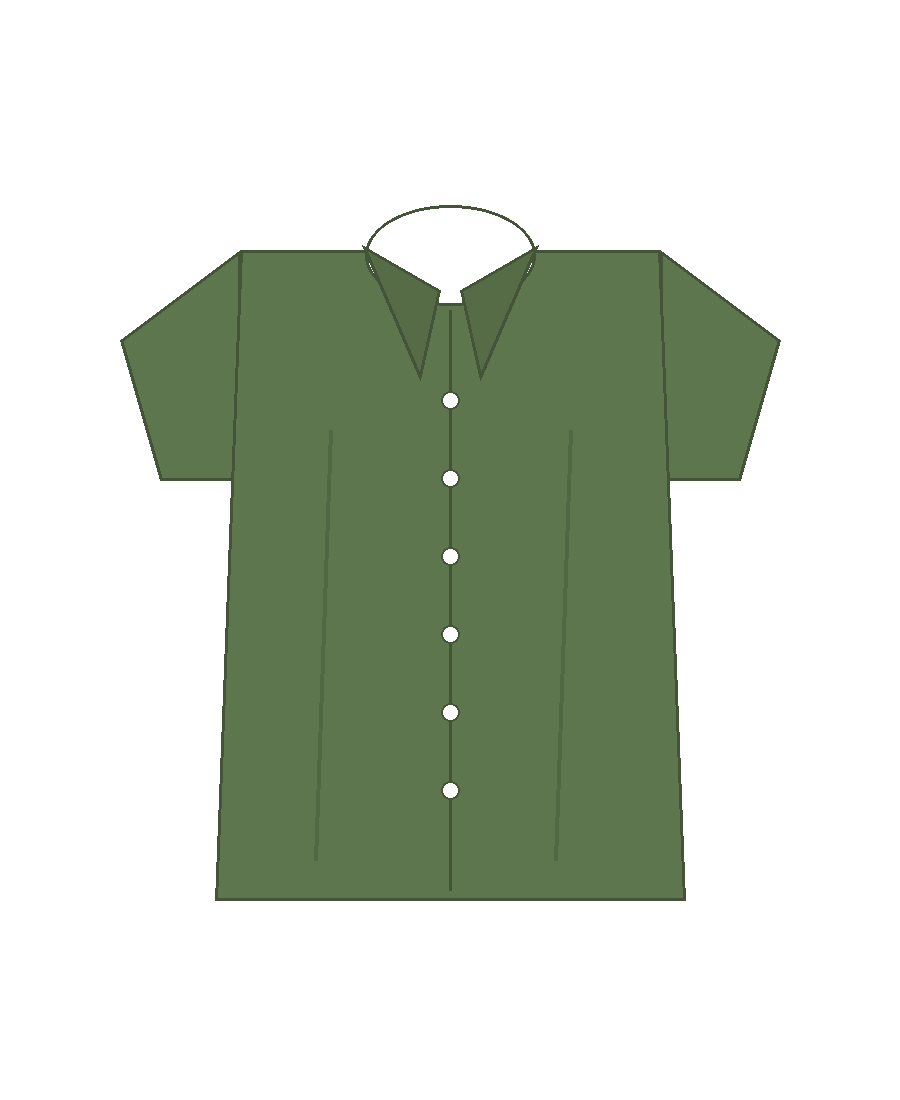
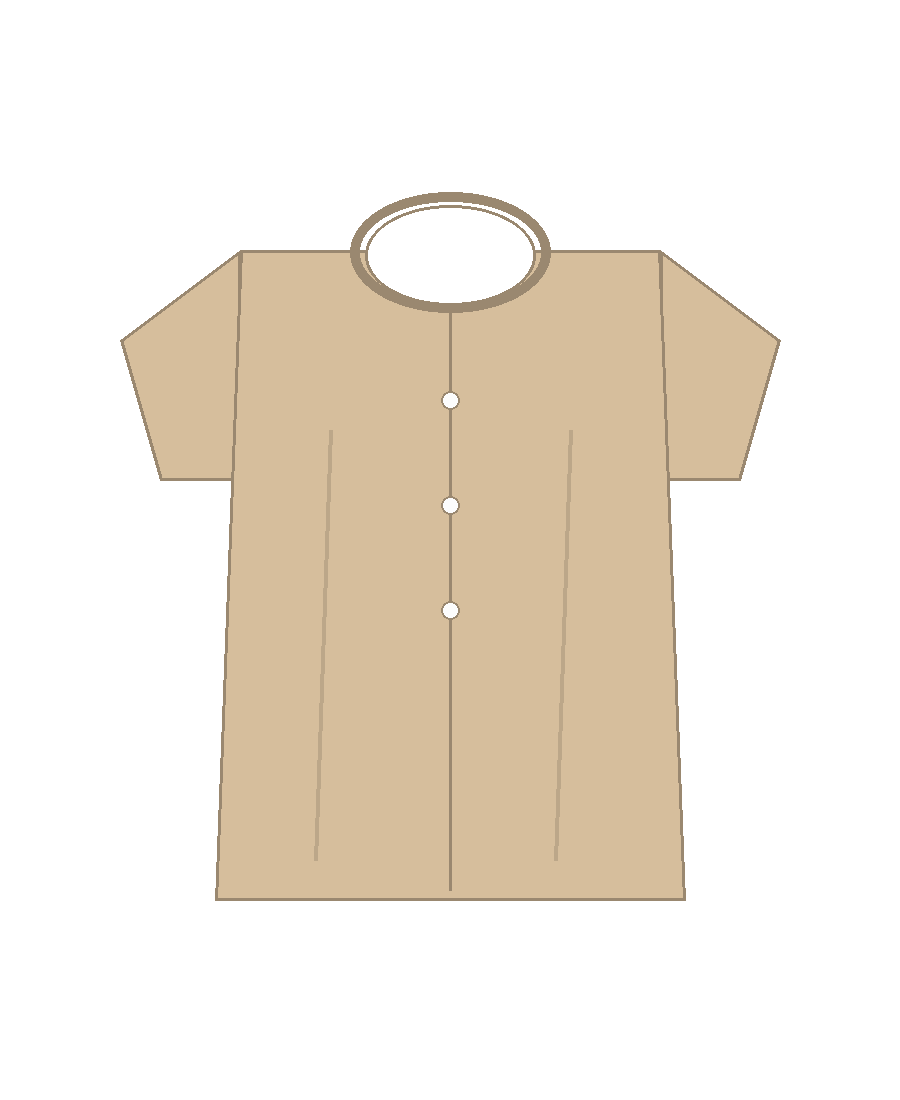
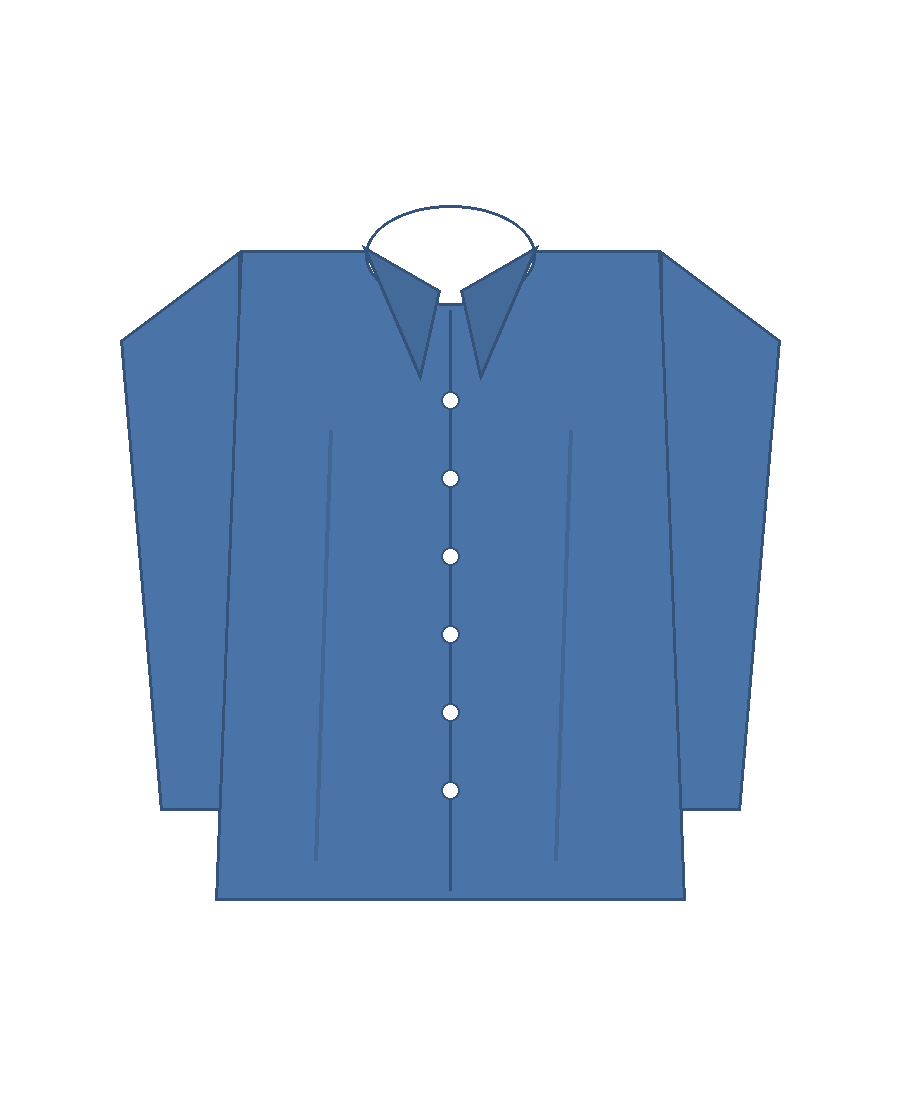
Pick a piece, add one clear front-facing photo, and the try-on model renders the garment onto you. No account, no measurements.
Upload a photo. See it on you.
Pick a piece, add one clear front-facing photo, and the try-on model renders the garment onto you. No account, no measurements.
The flow
Every product card has a Try Virtually button. The product image doubles as the garment reference the model receives.
Front-facing, waist-up or full body, plain background. JPG, PNG or WEBP up to 8 MB.
The garment is mapped onto your photo. Swap the photo, swap the product, or run it again for a different take.
Swap in your own catalogue from the admin panel — any product image you upload becomes the garment reference.
Open the shop